CUSTOMER STORY Serving Spirit
167hours
saved every month
Across automated call documentation and visit confirmations.
Read Serving Spirit’s storyTHE CONVERSATION LAYER FOR HOME CARE
Calls, home visits, virtual meetings, emails, and texts. SmartAutomations turns the details into notes, record updates, and follow-up—without the manual entry.
50+ hrssaved per 1,000 calls
“Mom needs help in the mornings.”
“Help with dressing and breakfast.”
“Monday through Friday works best.”
“Please keep my daughter updated.”
 SmartAutomations
Client record


 Google Chat
 Dubber


HOW IT WORKS
01 / CAPTURE
Capture phone calls, home visits, virtual meetings, assessments, emails, and text messages without re-entering the details.
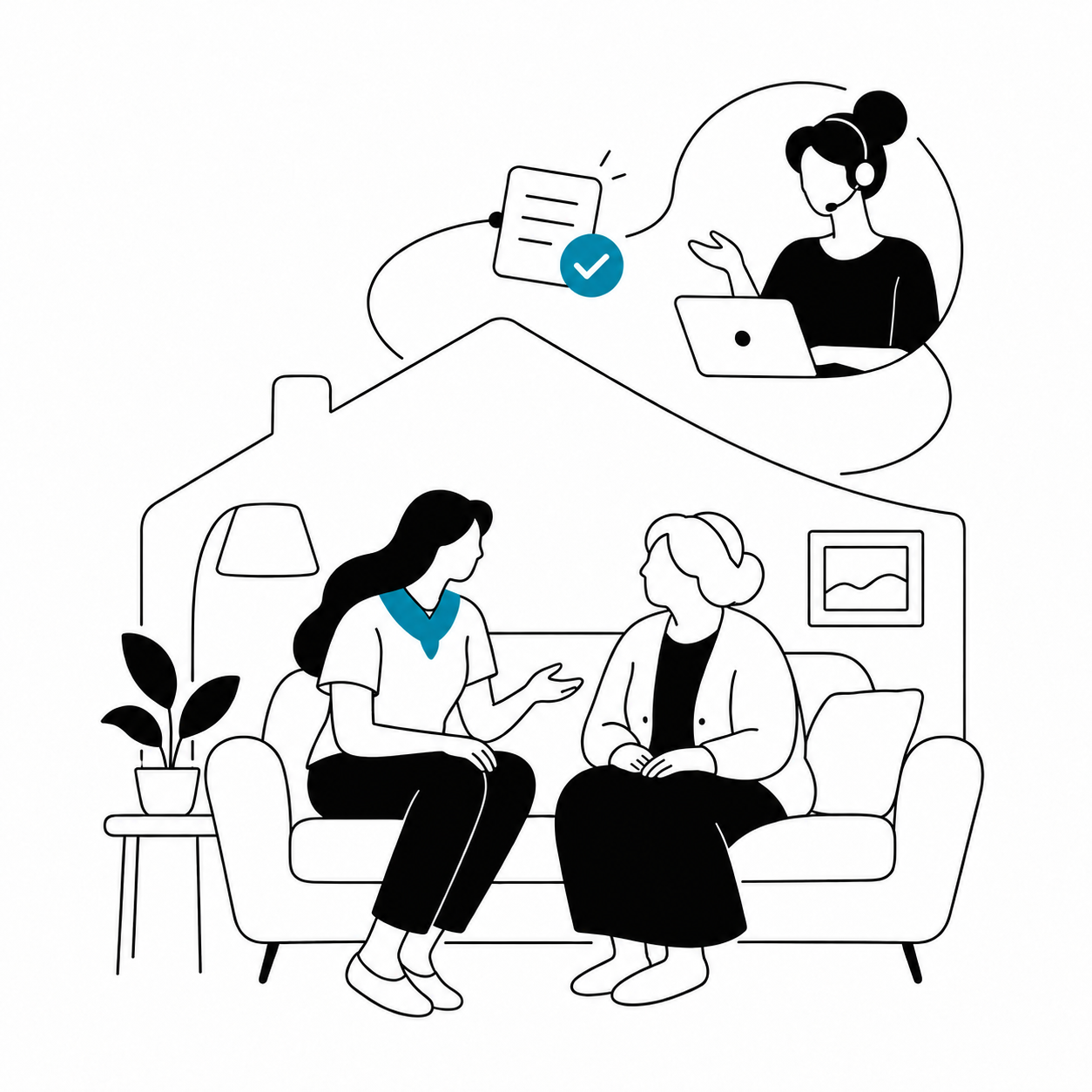
KEEP CARE HUMAN
Your team stays focused on clients, families, and caregivers. SmartAutomations handles the documentation, record updates, and follow-up.
USE CASES



CUSTOMER RESULTS
Across automated call documentation and visit confirmations.
Read Serving Spirit’s storyI am no longer afraid of missing the details.
I am in the moment.
Company-reported results; individual outcomes vary.
¹ SmartAutomations overview · ² Customer story
Yes. SmartAutomations.Care is HIPAA compliant. We protect sensitive information with encryption in transit and at rest, role-based access controls, and audit logging. We enter into Business Associate Agreements (BAAs) with covered entities. Read our privacy policy.
We connect to the systems your agency already uses, so your team can keep working in them. Current integrations include AxisCare and WellSky. If you use another platform, tell us what you need to update—we build new integrations around agencies’ workflows.
We work with Dialpad, Aircall, Quo, RingCentral, GoTo, Zoom Phone, Dubber, 3CX, Spectrum, and Phone.com. Don’t see your provider? We’ll review your setup and what it would take to connect it.
Yes. SmartAutomations captures phone calls, in-person visits and assessments, virtual meetings, emails, and text messages. Use ambient scribe for visit documentation, and connect Gmail, Microsoft 365 / Outlook email, Microsoft Teams, Slack, and Google Chat to bring more of your agency’s conversations together. We’ll confirm the connections needed for your workflows during setup.
SmartAutomations can create leads, save notes and intake details to your EMR, and notify the right team members. It also keeps conversation history and follow-up context with your client and referral source relationships. The actions depend on the workflows and integrations you choose.
Yes. We tailor the information captured, how it’s organized, and where it goes to your agency’s needs. For example, an intake call can create a lead and save care needs, while a caregiver availability update can notify your scheduling team.
Book a demo and bring the names of your phone system and EMR, plus the documentation tasks you want to take off your team’s plate. We’ll walk through the relevant workflows, discuss any integrations needed, and outline setup and support for your agency.